
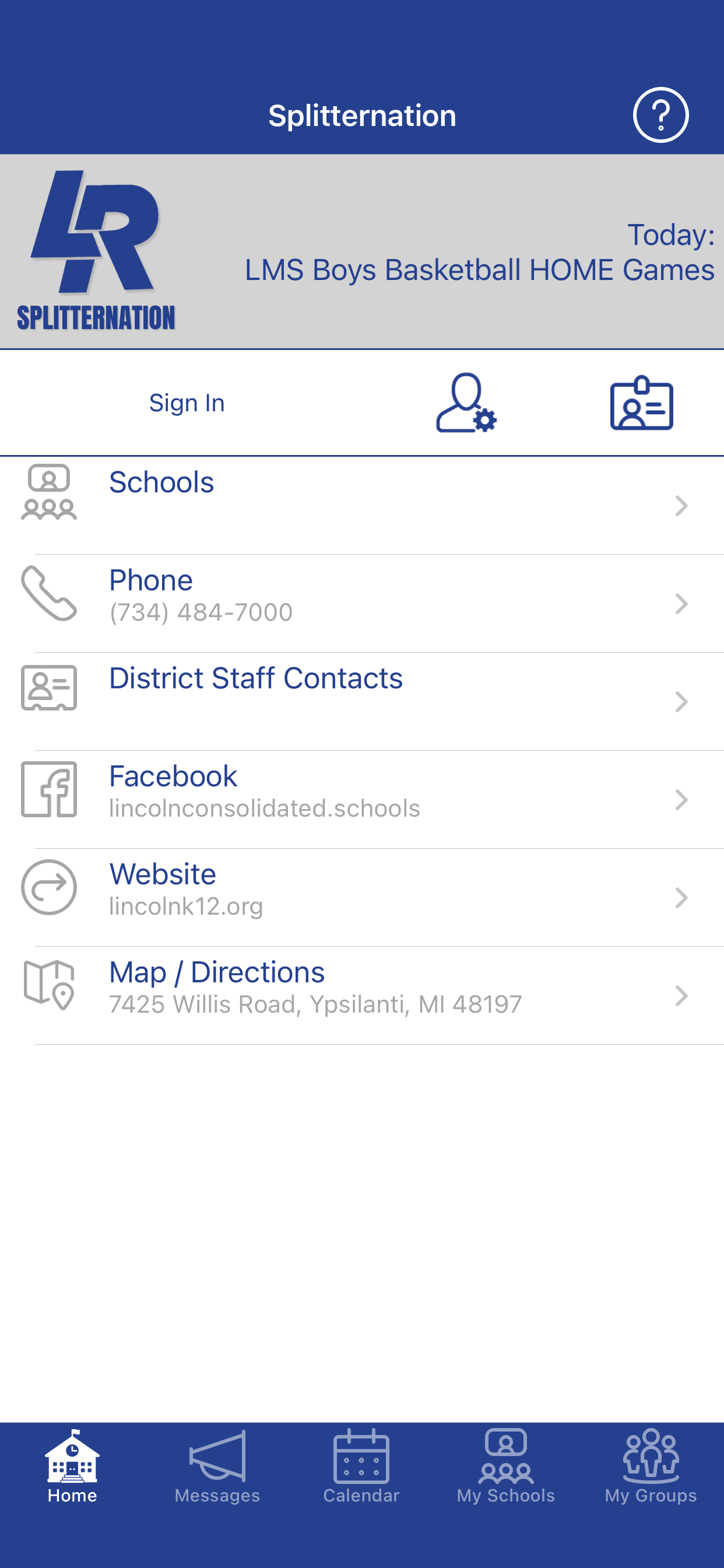
Splitternation


-OR-
If you don’t wish to use an iOS or Android device, sign up for email or SMS text notifications at:
-OR-
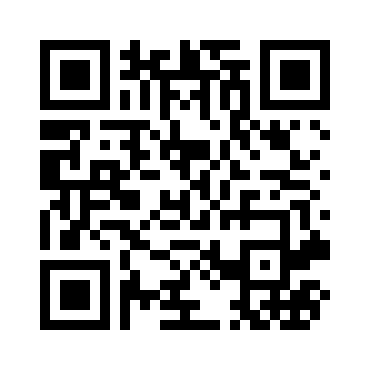
Use your phone's camera to follow this QR Code.
If prompted, be sure to allow push notifications.
Sign in to choose the messages and other information that are important to you:
Tap (on the Home tab) and follow the instructions on screen. Enter your school email address if you have one.
Choose the tab, then tap the gear icon (top right) to select your school(s).
Choose the tab, then tap the gear icon (top right) to select any clubs, teams, or other groups that you belong to.
To customize how you receive notifications, tap the User Settings icon on the Home tab.


Provided for: Lincoln Consolidated Schools and Lincoln Consolidated School District (MI)
© 2025 Appazur™ Solutions Inc. |
https://www.appazur.com/en/